
01
Scan any menu
Snap the whole menu, a dish list, or one item. MenuWise turns the photo into clean dish options in seconds.
Scan a menu photo and MenuWise turns it into a shortlist with calories, macros, diet fit, and allergy questions, so you can order before the pressure hits.

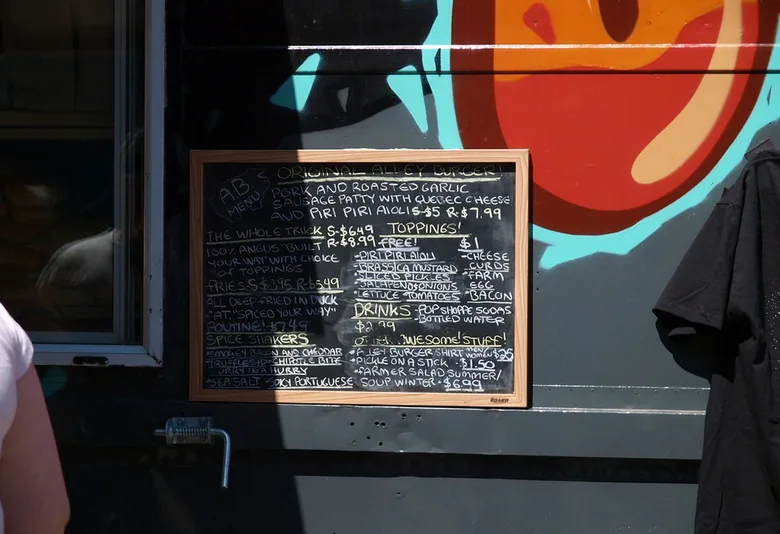
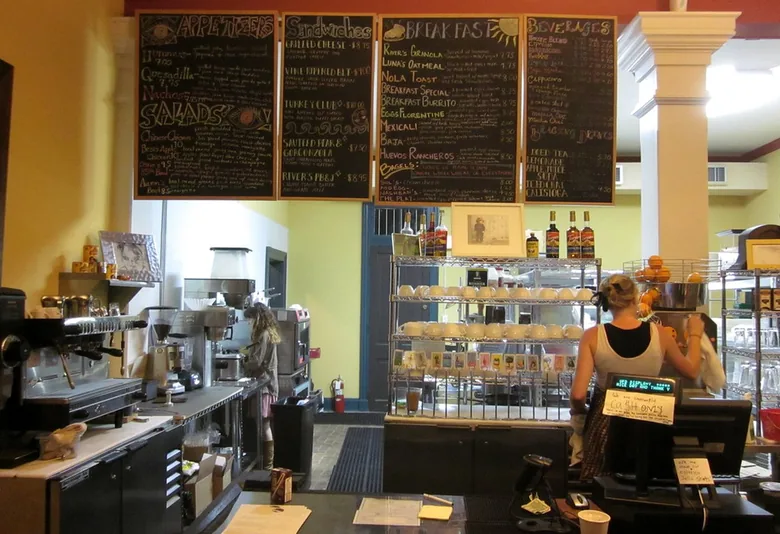
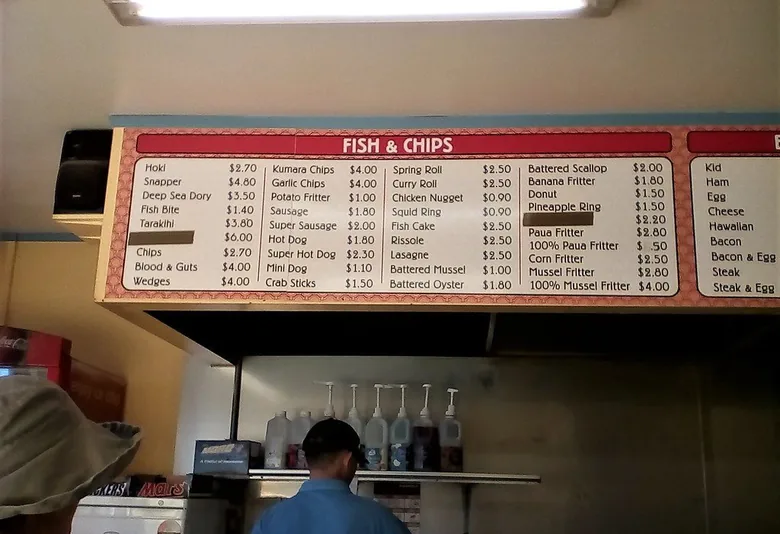
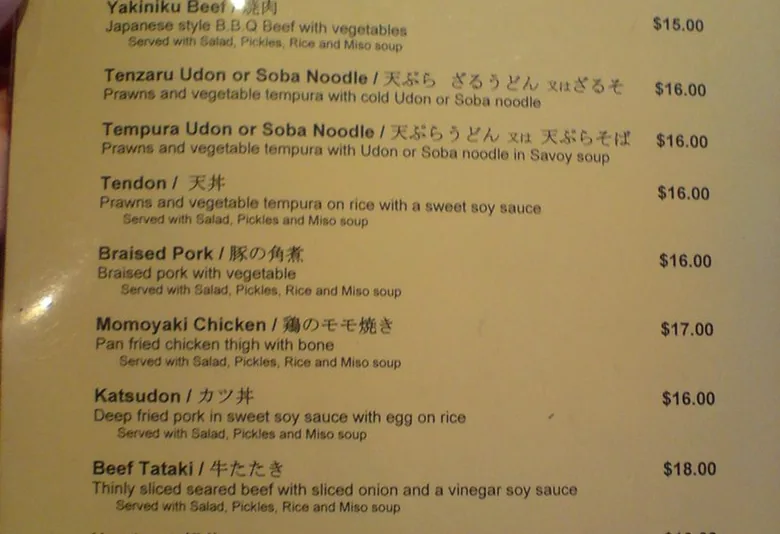
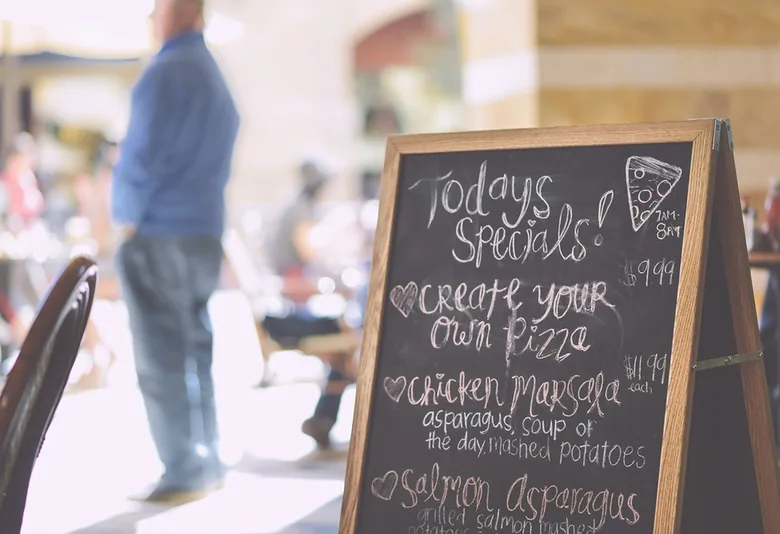
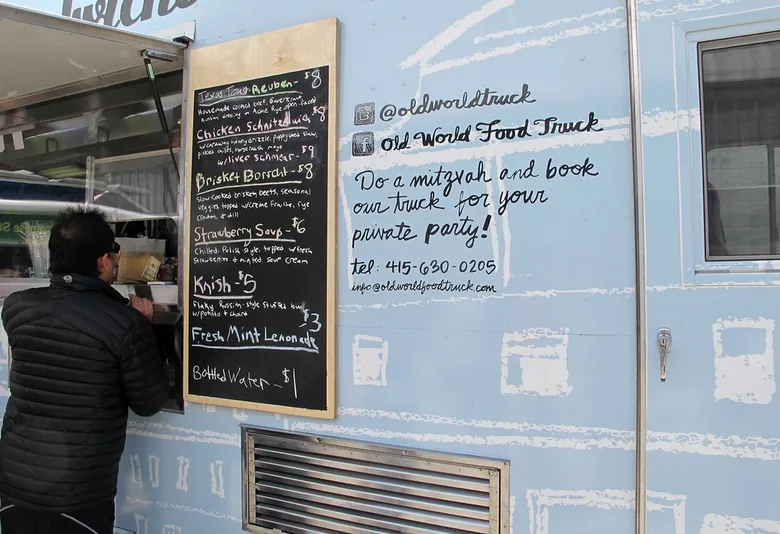
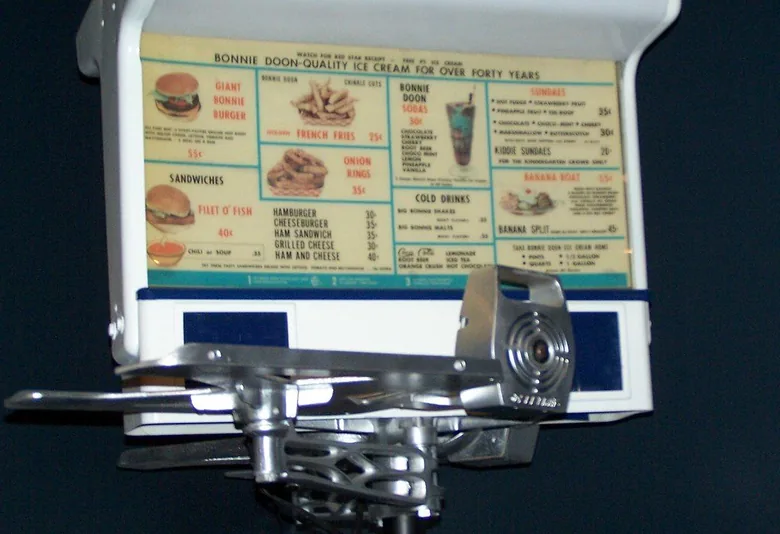
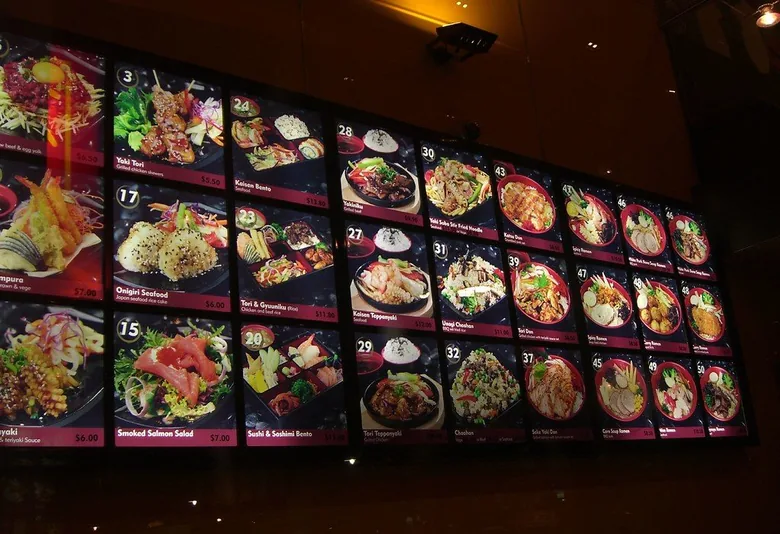
See past the wording around sauces, oils, dressings, and portion sizes.
Compare real options instead of defaulting to the same safe order every time.
Make a quick call while you are still at the table, hungry, and choosing.

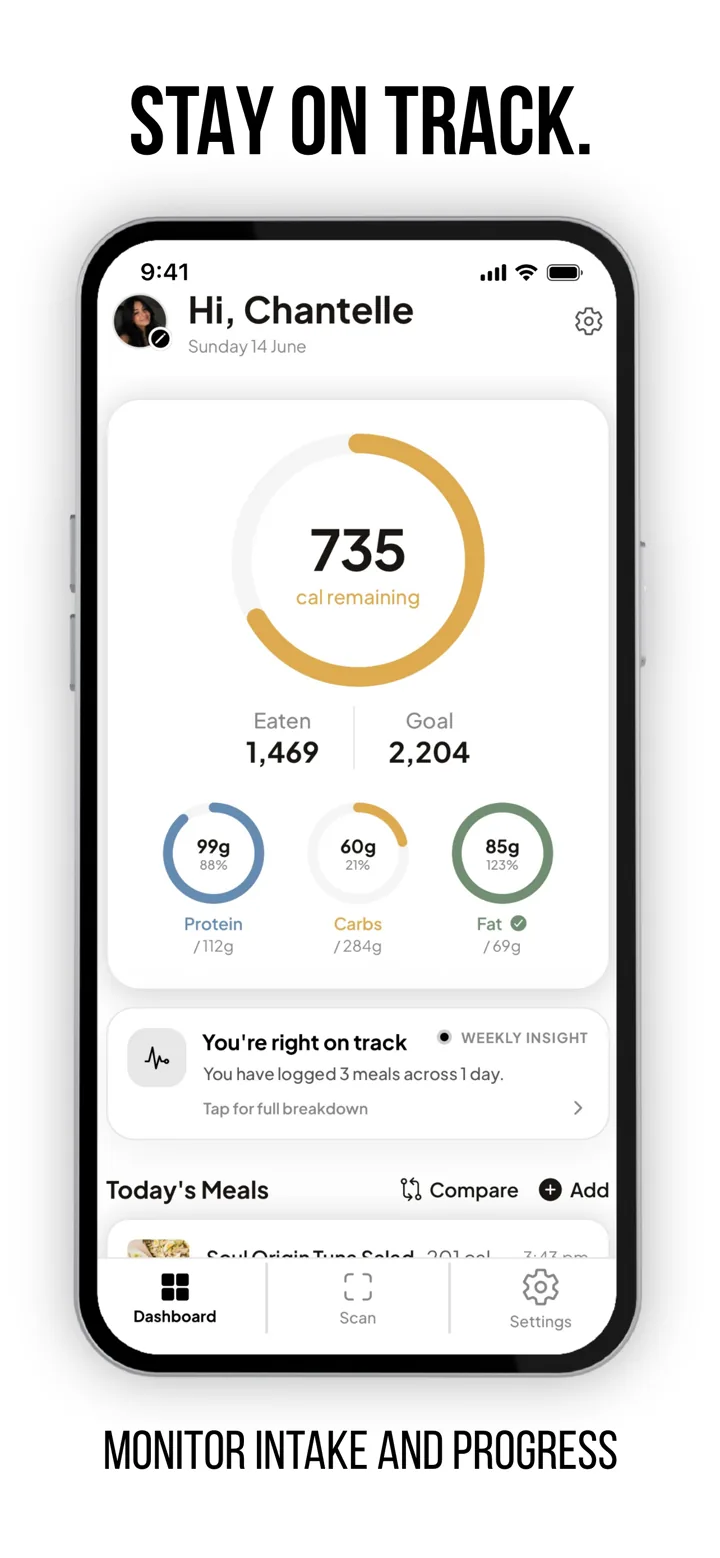
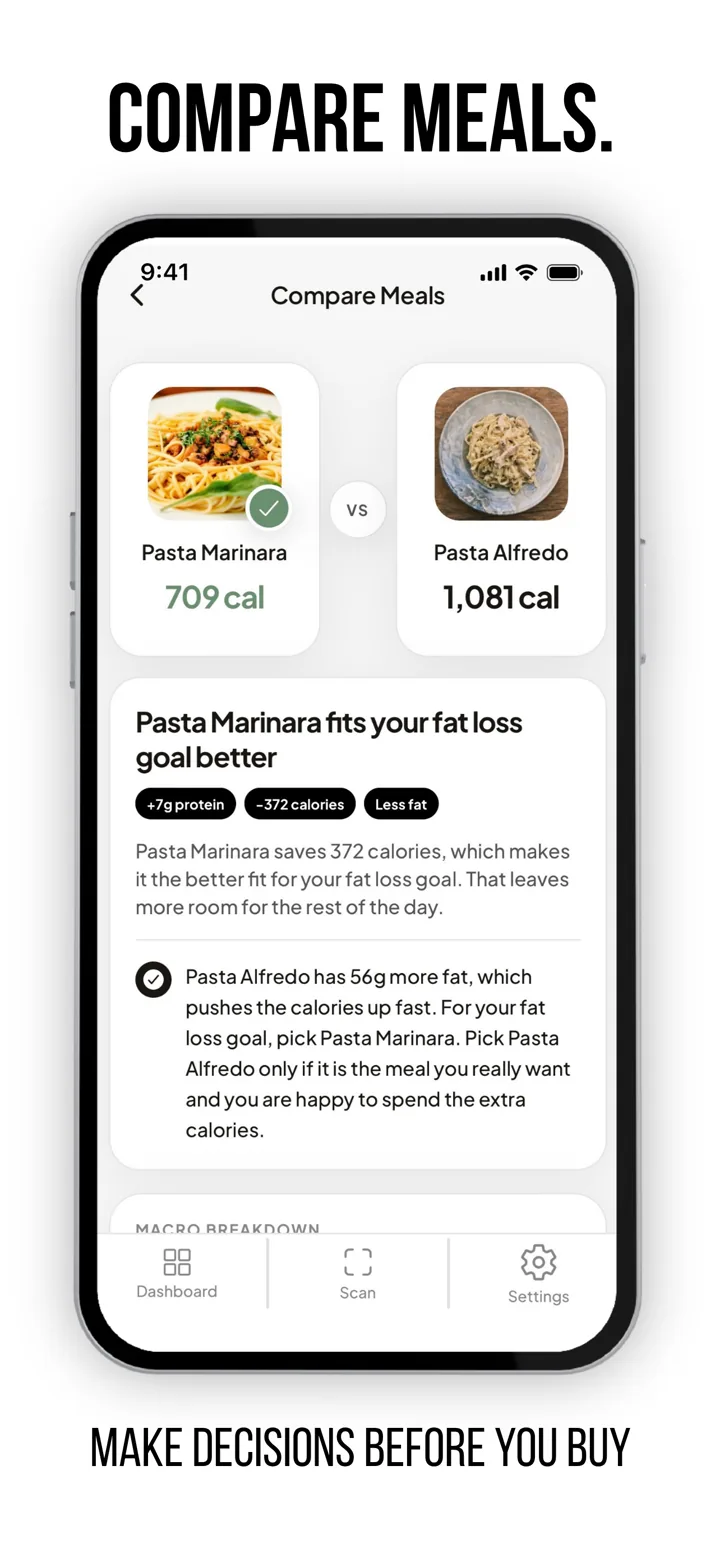
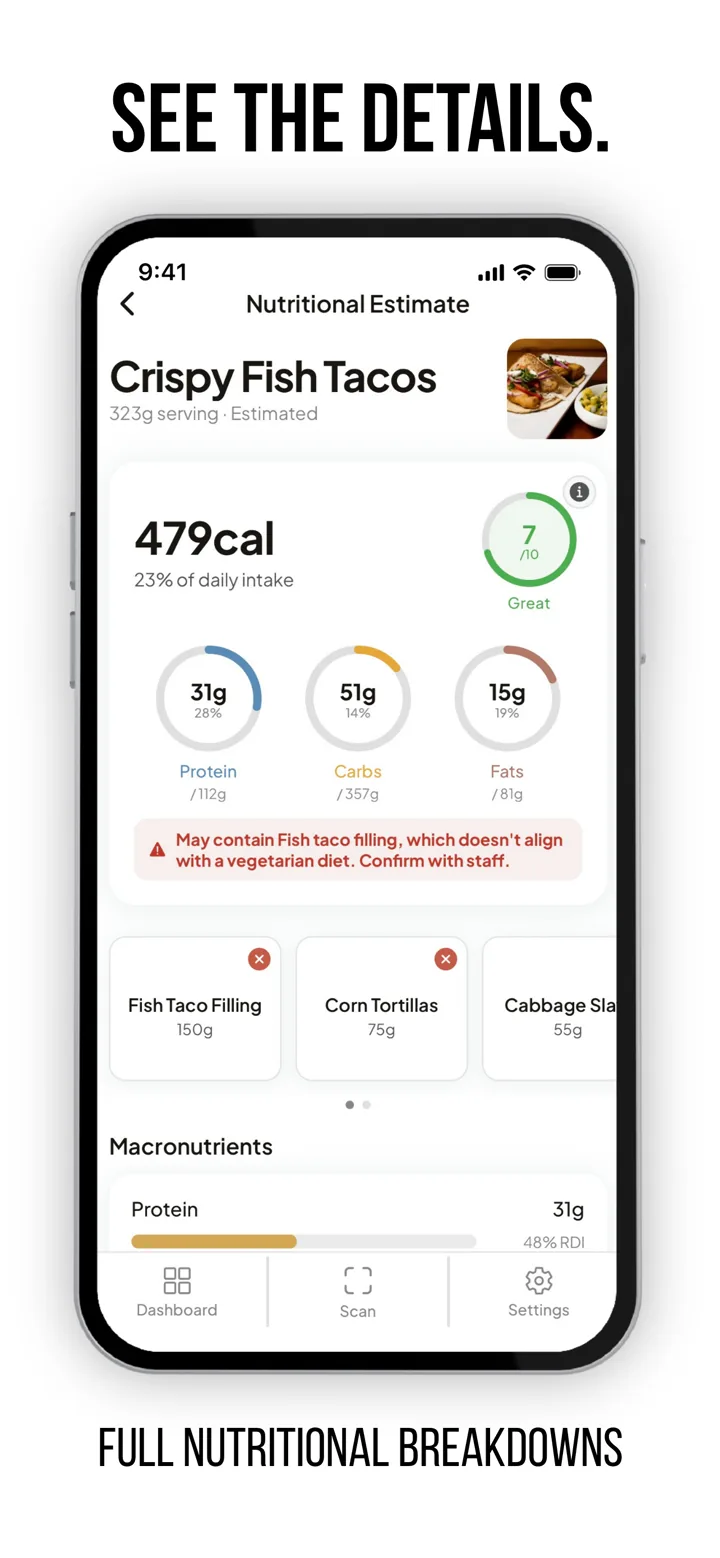
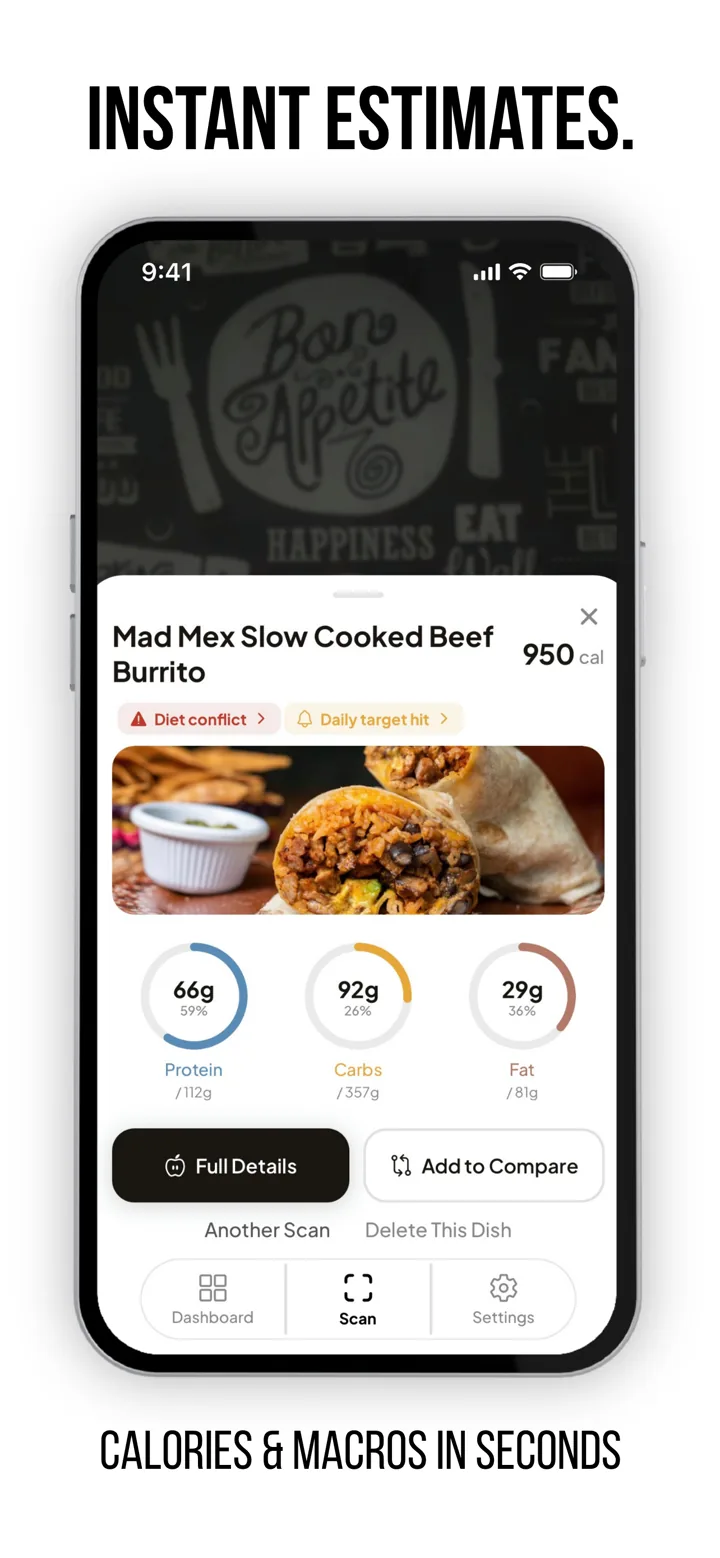
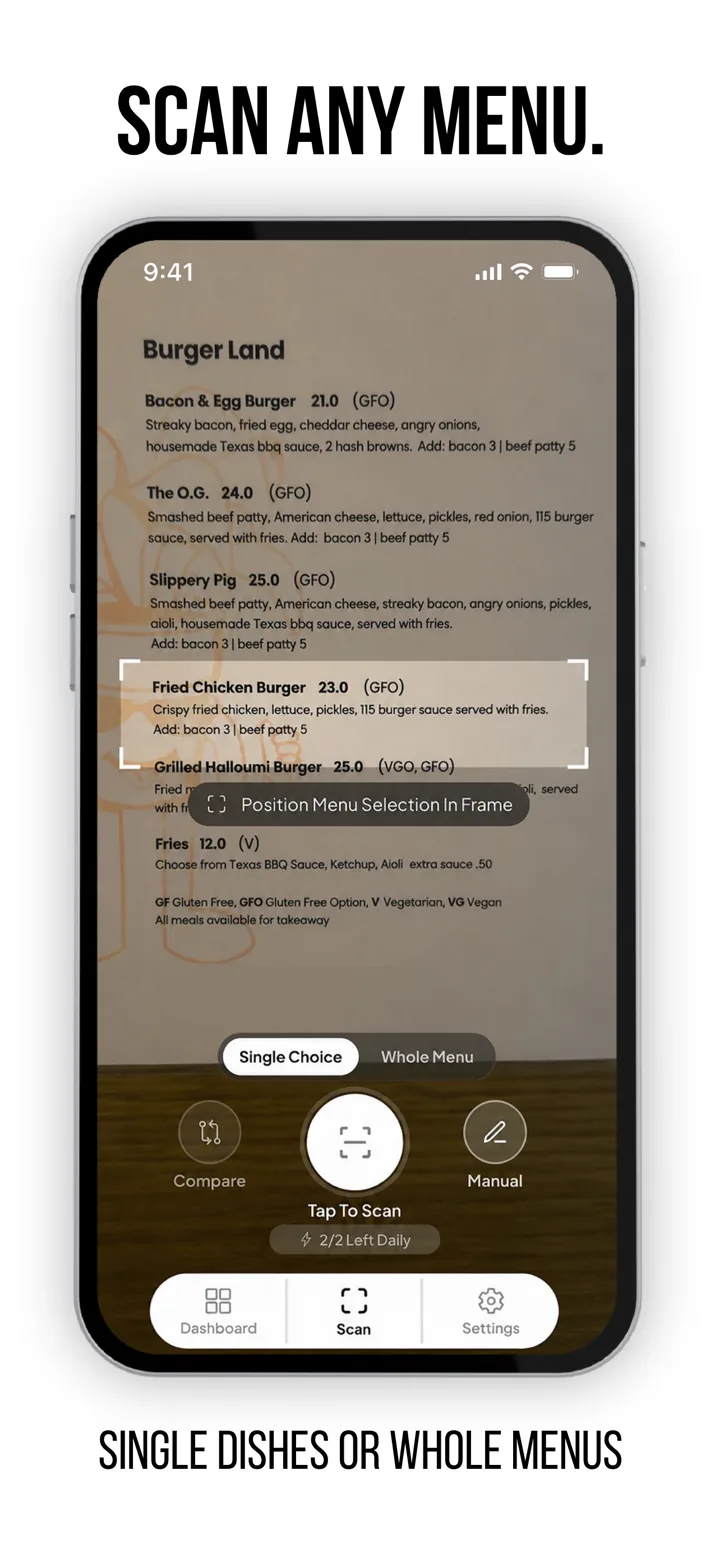
Snap the whole menu, a dish list, or one item. MenuWise turns the photo into clean dish options in seconds.
Review the dishes, tidy any scan mistakes, and add quick context when the menu leaves something unclear.
Compare estimated calories, macros, diet fit, and allergy questions before committing to the order.
Scan the menu, compare the real tradeoffs, and walk into the order with a clear choice instead of a guess.
Shows calories, macros, diet fit, and allergy questions without pretending every plate is exact.
Ranks the better fit before you default to whatever sounds safest.
Compares dishes side by side so the tradeoff is obvious.
Flags sauces, portions, swaps, and allergy checks to confirm with the venue.
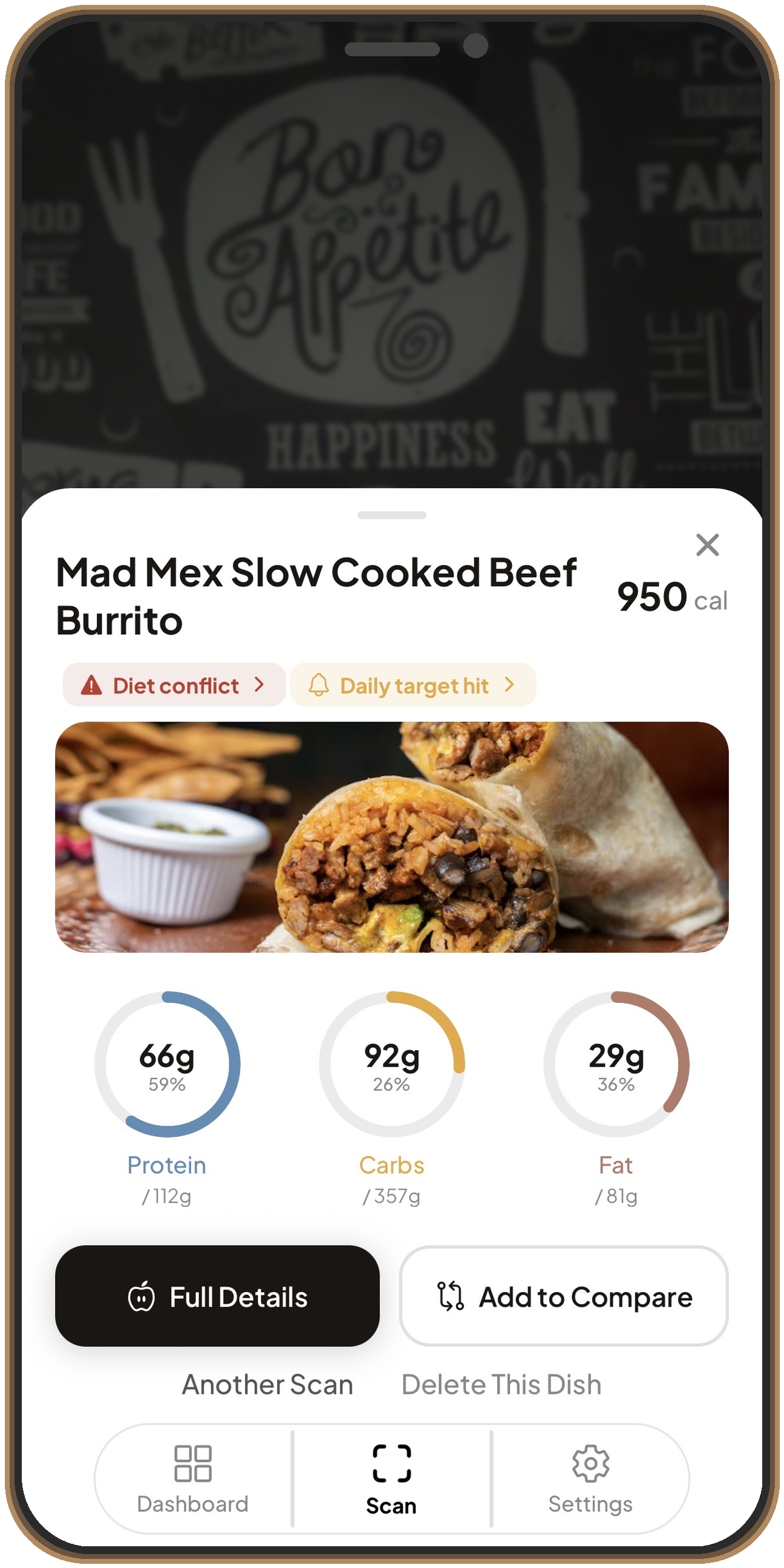
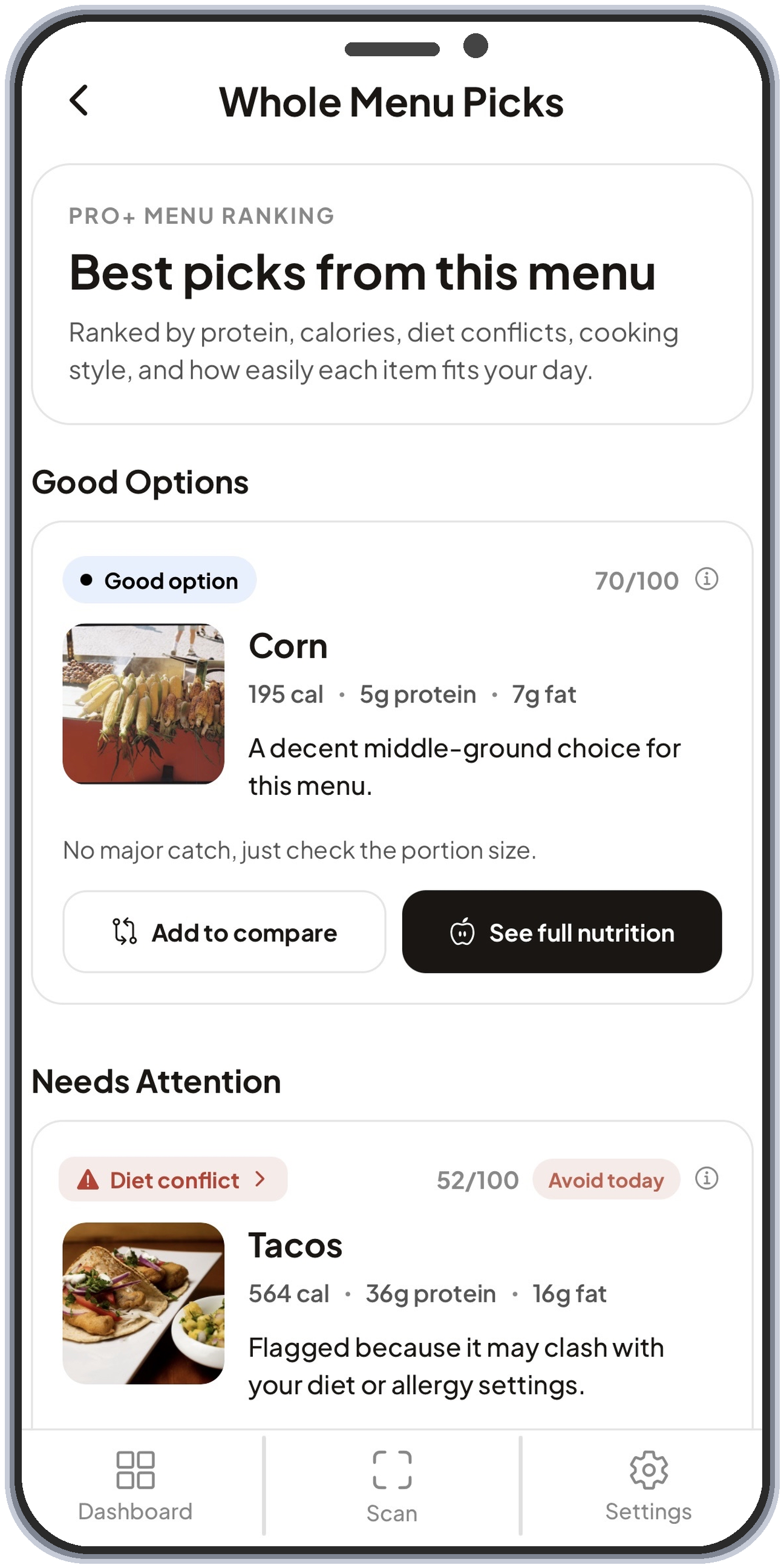
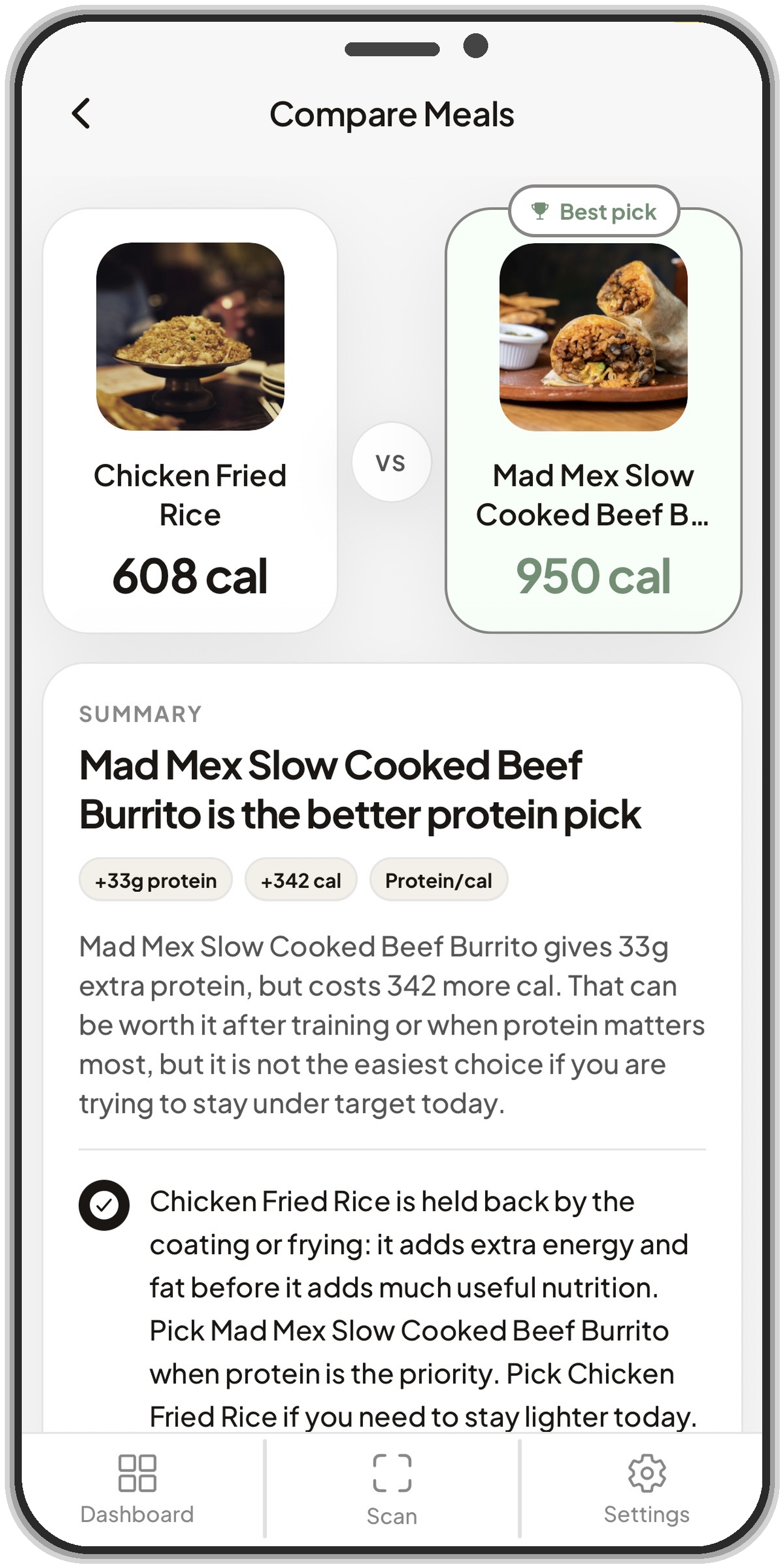
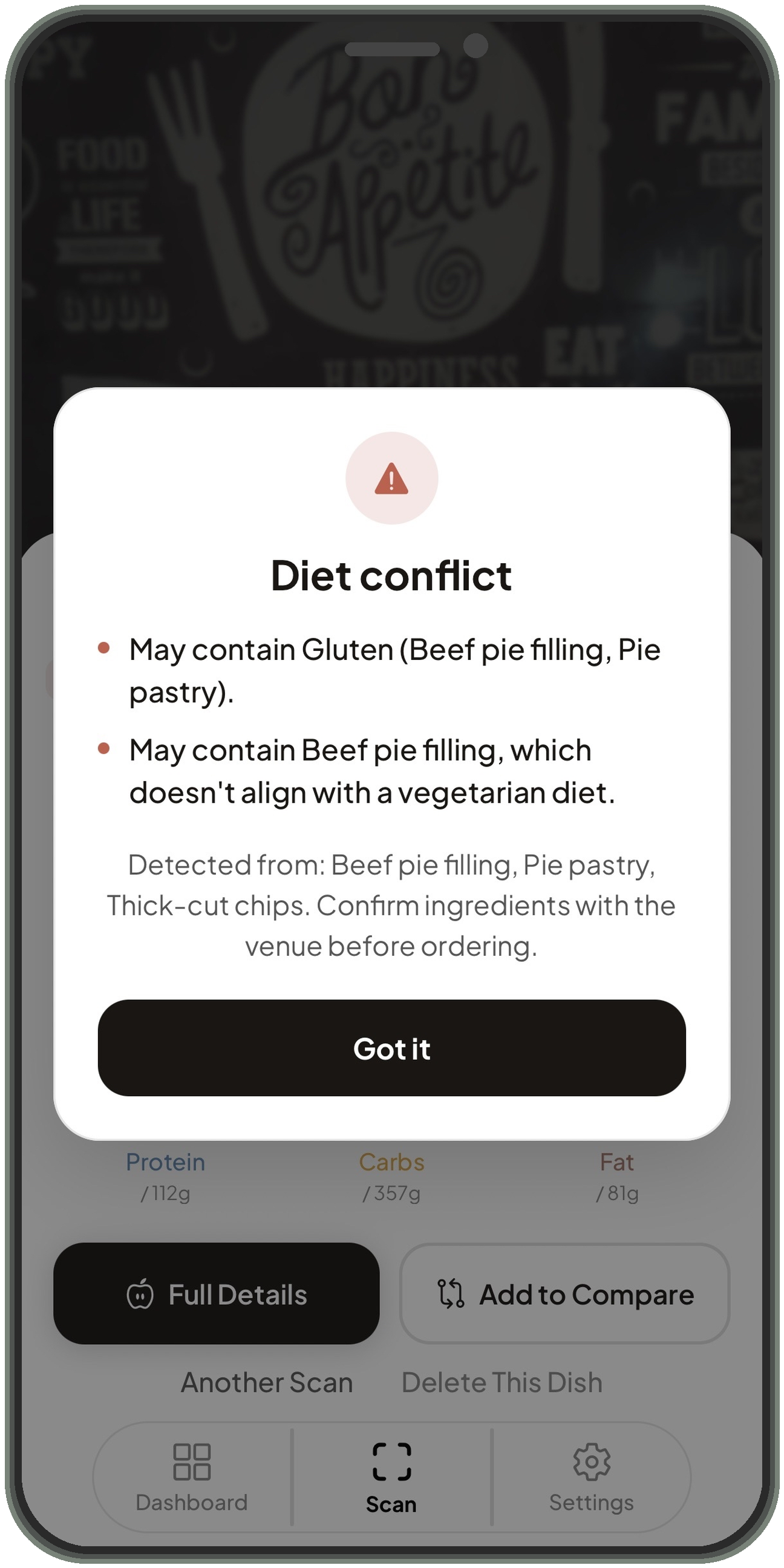
MenuWise turns your menu photo into a clean list of dishes, then lets you quickly fix anything it read wrong. From there, it shows calories, macros, diet fit, allergy questions, and smarter swaps before you order.
They are calculated estimates, not lab results. Restaurant portions, oils, sauces, and prep methods vary, so MenuWise is best for comparing dishes side by side instead of treating one number as exact.
No app can guarantee a kitchen's ingredients or cross-contact. MenuWise helps flag the questions worth asking, but the venue must confirm allergens before you eat.
It works best with clear printed or digital menus from cafes, pubs, takeaway shops, and restaurants. If the photo is blurry, stylized, or the menu uses vague dish names, you can edit the detected dishes before analysis.
No. Menu photos are processed for scanning, then discarded. MenuWise does not store menu photos or scan history on our servers. Your scan history, dish results, profile, settings, and ordering context stay stored locally on your phone.
No account is needed to start scanning. Purchases and restores run through the App Store, so subscription access stays tied to your Apple account.
No. MenuWise gives food context for everyday ordering decisions. If you have a medical condition, strict dietary requirement, or severe allergy, use it as a prompt for better questions, not as a final authority.
Scan the menu, compare real tradeoffs, and choose with fewer guesses. Download MenuWise on the App Store.